PhotoResizer
Helps export Photo & Signature as per requirement
Client
Self
Services
UX/UI Designer
Industries
Education
Visit
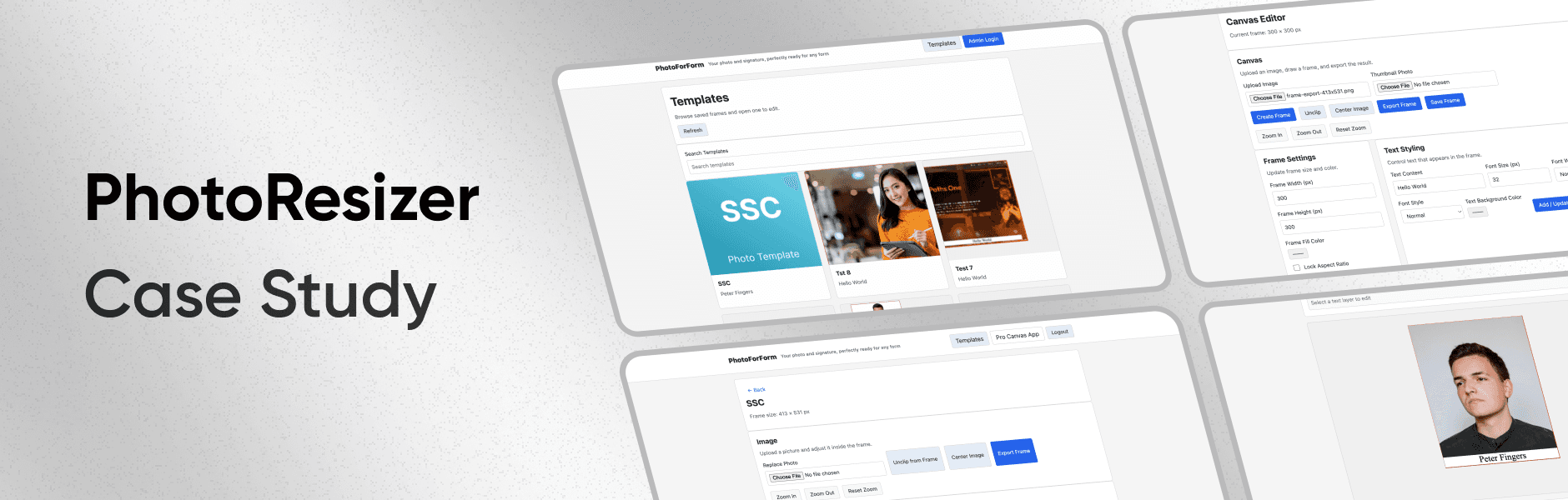
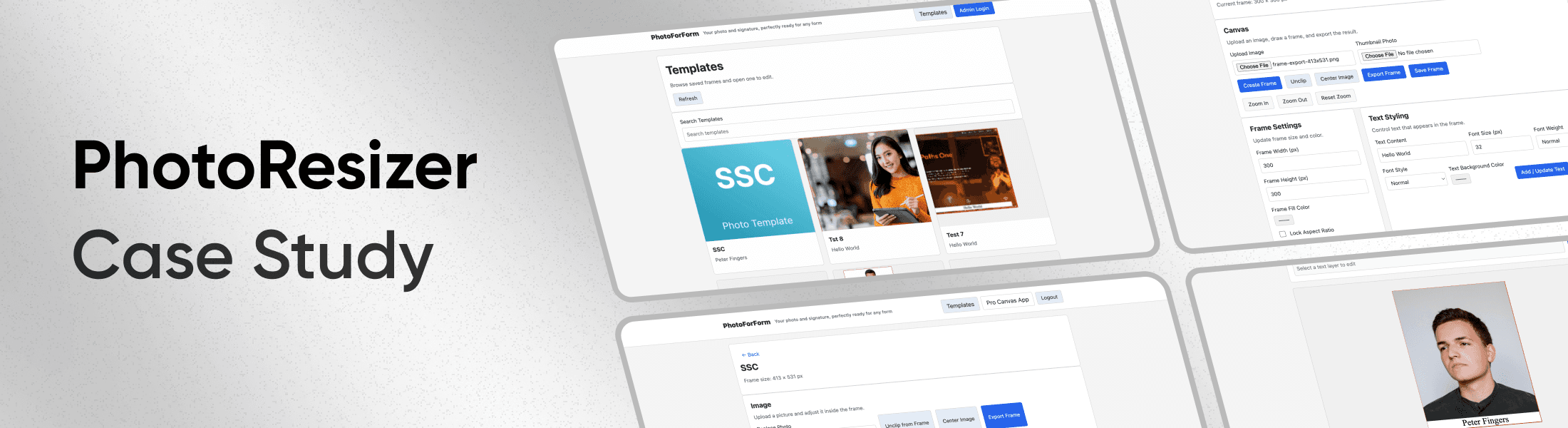
Project Overview
Photo Resizer is a self-initiated product experiment aimed at solving a common but high-friction problem faced by students and first-time job seekers — uploading photos that meet strict government and job-portal requirements.
This project focuses less on visual polish and more on problem feasibility, system constraints, and product reliability, using a UI-first mindset only where it supported the core goal.
Project duration: ~4 months

Problem Context
Most government and job application portals validate uploaded photos using hard technical rules — exact dimensions, background conditions, and strict file-size limits (for example: “200×230 px, under 50 KB”).
For non-technical users:
Professional design tools are inaccessible
Rejected uploads cause repeated frustration
Existing online tools are unreliable or overly complex
The real challenge was not UI aesthetics — it was designing a dependable solution under rigid constraints.
My Role
I worked as a solo Product Designer (UI-heavy, UX-aware) and owned the project end-to-end.
My responsibilities included:
Defining the product problem and success criteria
Designing the user flow and interaction logic
Making UX and scope trade-offs
Implementing functionality using AI-assisted tools
Validating technical feasibility
Deciding whether the product was ready to ship
Tools, Stack & Deployment
This project was built using a modern, AI-assisted workflow:
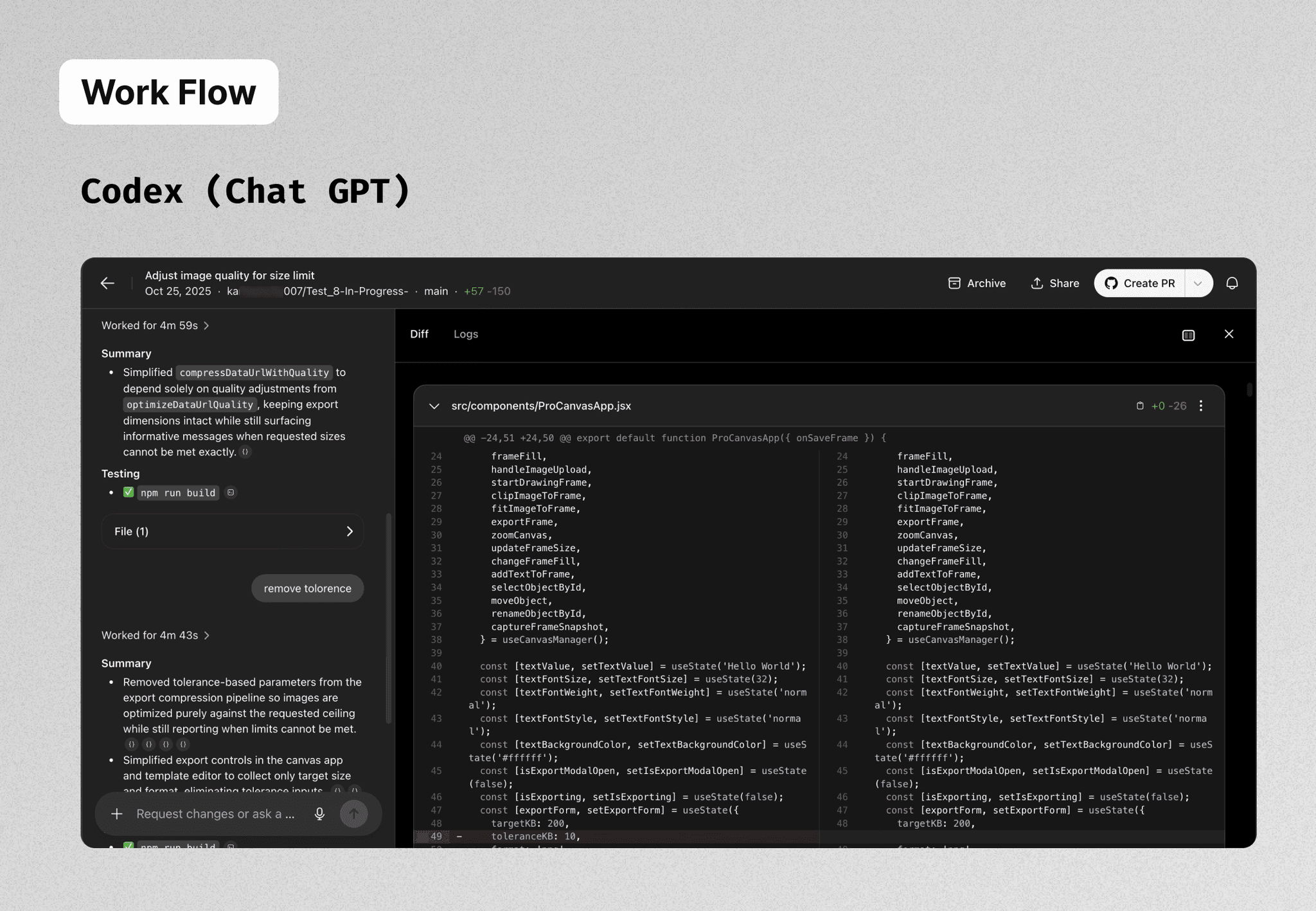
ChatGPT – product thinking, flow design, decision support
Codex – implementation help, debugging, and documentation
Supabase – backend setup, SQL schemas, template storage
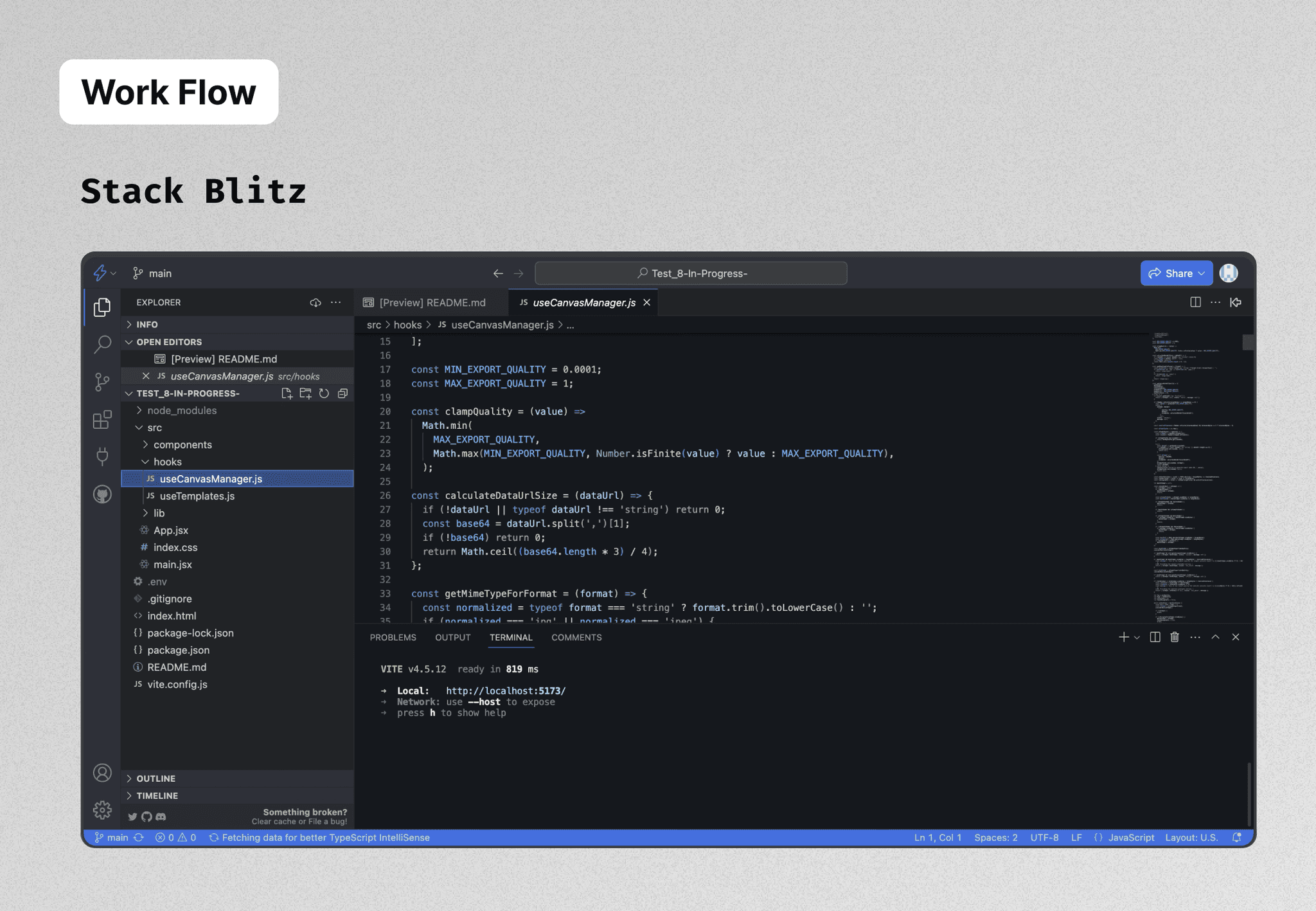
StackBlitz – development and testing environment
Git (basic usage) – version control
Figma Make – early UI brainstorming and layout exploration
Vercel – deployed for real-world testing and validation
The deployment helped test behavior across browsers and environments, beyond local development.
Documentation & Knowledge Sharing
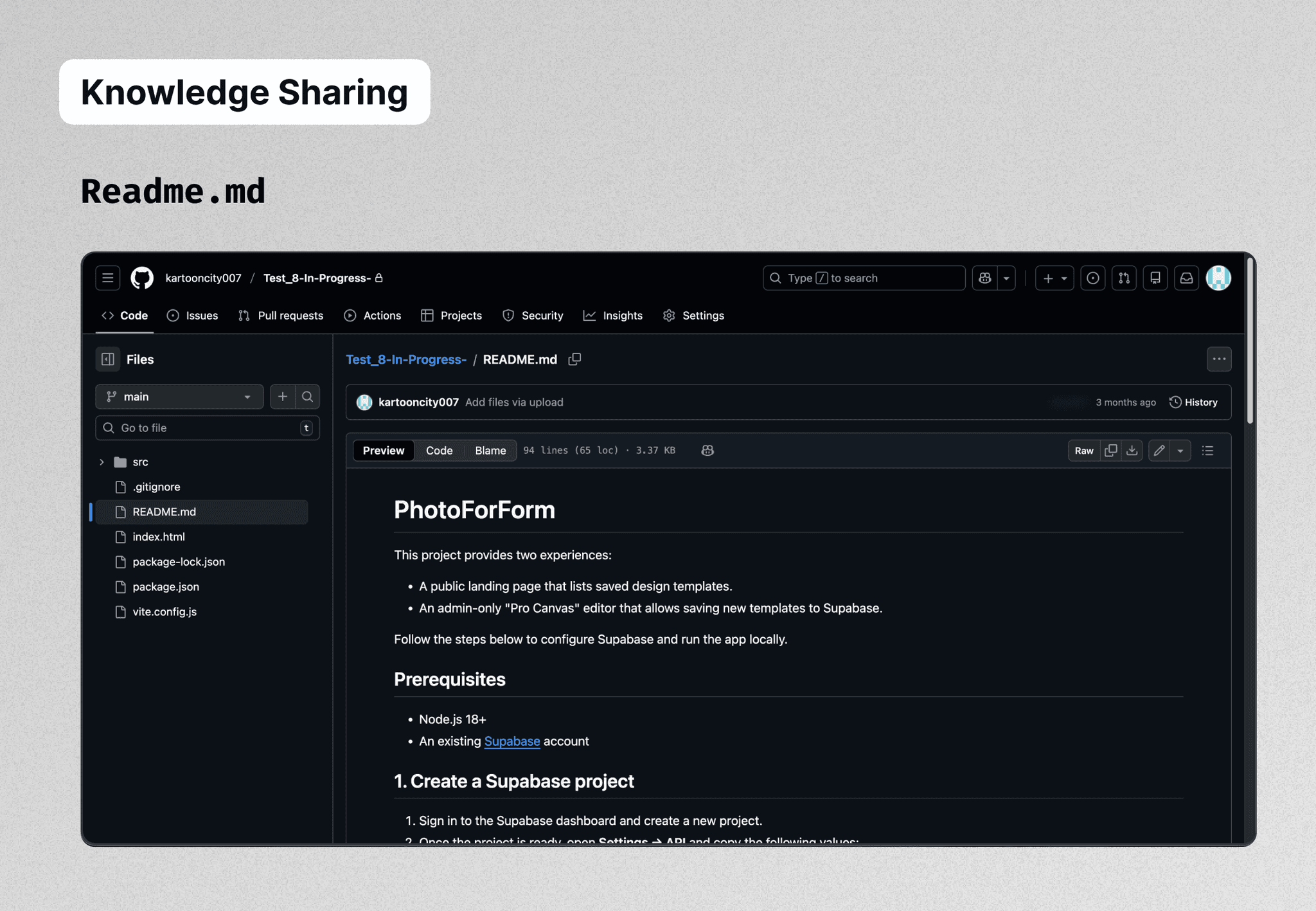
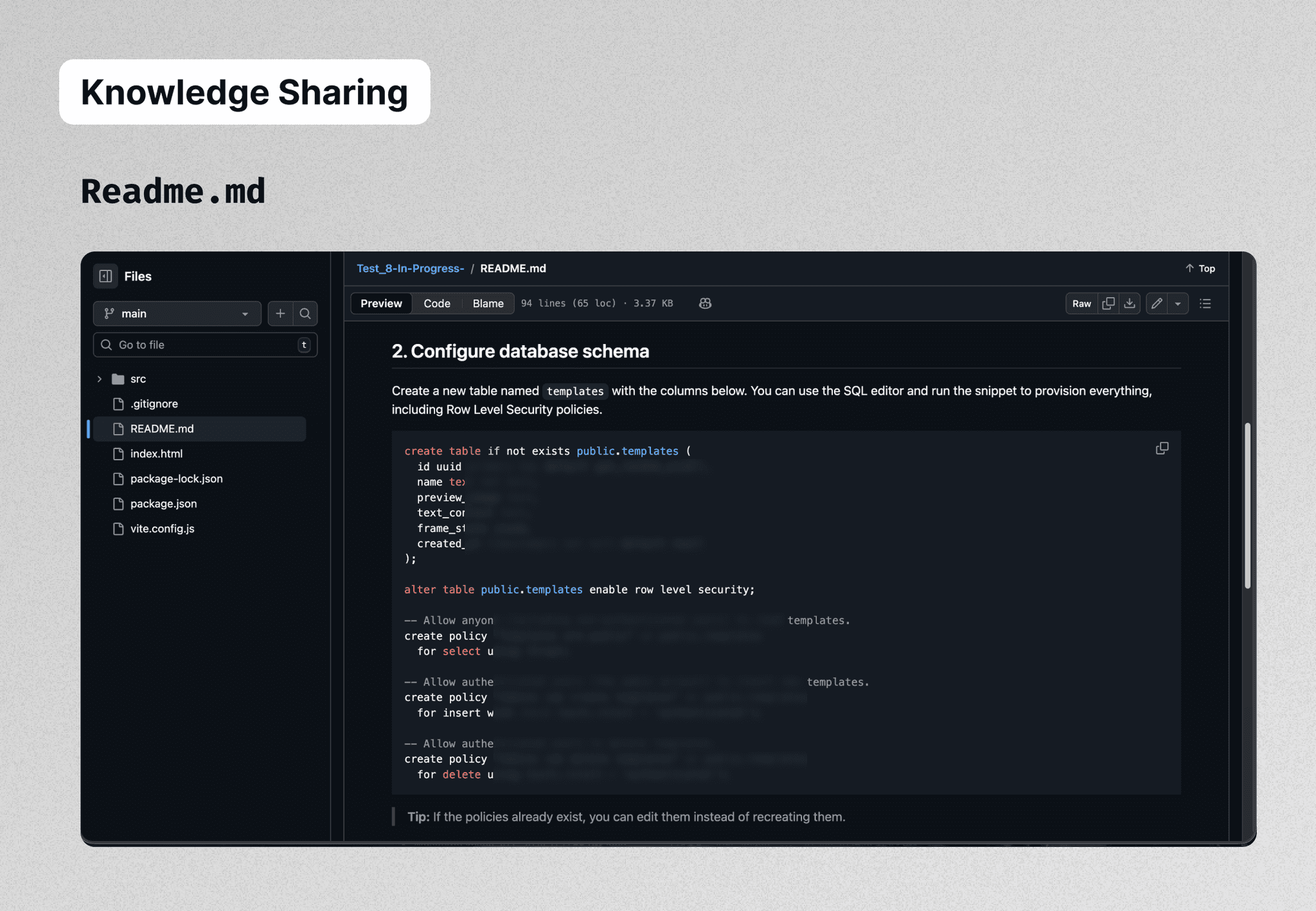
With the help of Codex, I created a detailed README.md file that explains:
How the project runs end-to-end
How the frontend and backend are connected
How Supabase SQL schemas are structured
How templates and exports are handled
How a developer or even a non-developer can understand the setup
This was an intentional decision to make the project:
Easy to onboard
Easy to review
Easy to extend in the futur
Key Product Decisions
Problem-First, Not UI-First
A deliberate decision I made early was not to focus on polished UI.
The priority order was:
Can the product reliably meet export constraints?
Does the core logic work across edge cases?
Only then — visual refinement and UI enhancements
UI work was intentionally postponed until the export compression problem could be solved with confidence.
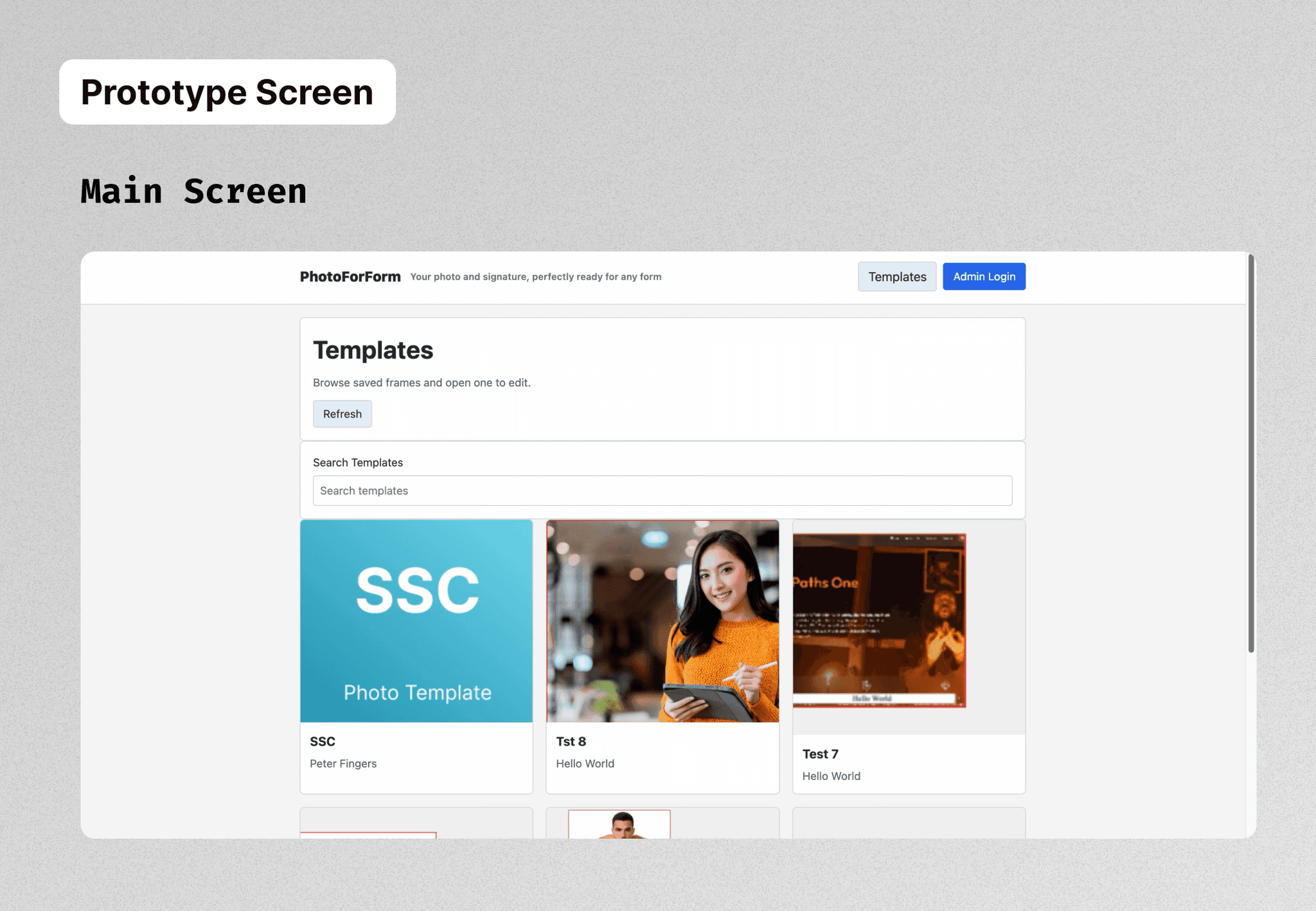
Template-Driven UX
To reduce user errors and confusion:
Photo requirements were abstracted into predefined templates
Users selected intent instead of entering numbers
Cognitive load and anxiety were significantly reduced
This decision influenced both UX design and backend structure.
Product Constraint Awareness
From the start, export reliability was treated as a product-level risk.
Designed flows assuming failure scenarios
Tested multiple image types and sizes
Evaluated whether the product could consistently meet user expectations
This awareness shaped the final product decision.
Core Challenge
The biggest challenge was ensuring that exported images consistently stayed within strict file-size limits (for example, under 50 KB).
While testing, I observed that image compression behaved differently depending on the photo’s content, such as lighting, colors, and background. Because of this, the same compression logic could sometimes produce a valid file and sometimes exceed the size limit.
Since reliability was the core promise of the product, I decided not to launch the tool publicly until this issue could be solved properly
Product Decision: Not Shipping
After extensive testing (including Vercel deployment), I made a conscious decision not to launch.
Shipping a product that:
Sometimes fails at its primary promise
Produces inconsistent result would harm user confidence more than not launching at all.
This was a product judgment call, not a design or effort gap.
💎 Key Learnings
Simple user problems often hide deep technical complexity
UI must reflect system limitations honestly
Reliability is a core UX principle
Knowing when not to ship is part of responsible product design